KDevelop
A cross-platform IDE for C, C++, Python, QML/JavaScript and PHP
Available for Linux, Windows and macOS
Download
Features
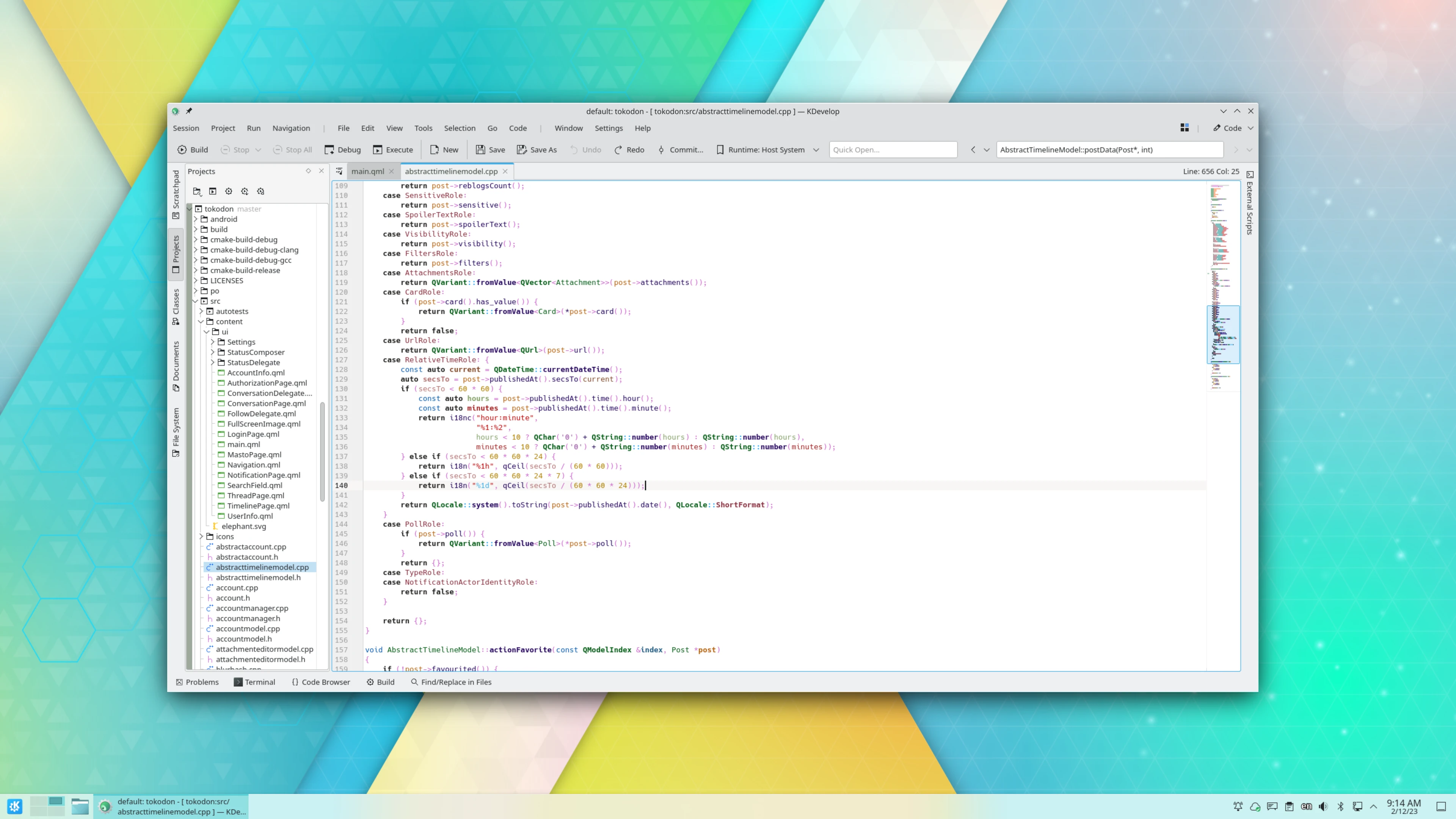
KDevelop is a Feature-Packed Integrated Development Environment
KDevelop is a fully-featured Integrated Development Environment, perfect for C and C++ projects and other supported languages. It has great code completion and project support, along with documentation integration that keeps you close to where you're editing code.
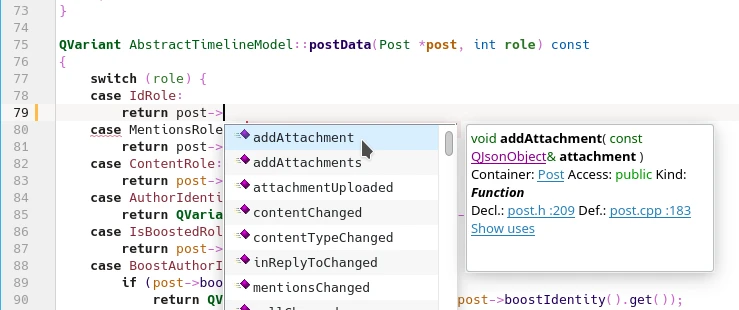
Understand your code better with remarkable code comprehension
KDevelop parses your project on the fly to give you accurate code completion. C/C++, Objective-C, and QML have first-class support in KDevelop!
Program in every language
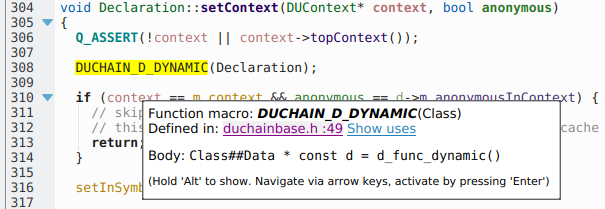
KDevelop has great support for C and C++, Objective-C and QML. It even supports some parts of Qt's dialect. Python and PHP have optional plugins enabling better support.
KDevelop has support for CMake and QMake as well.
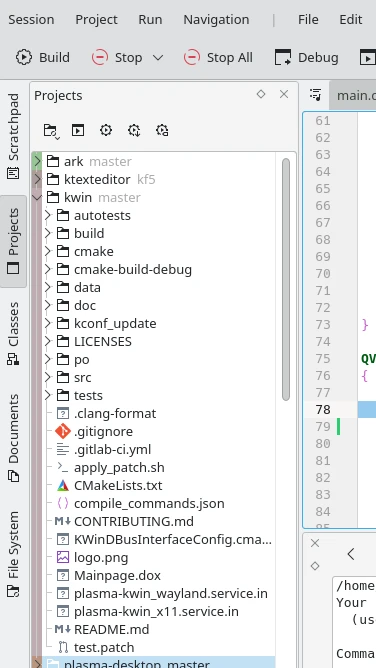
Work on multiple projects simultaneously
KDevelop is a fantastic multi-project IDE, open multiple projects inside of one session and decide the order in which they can be built. KDevelop is a good fit for large scale software projects like KDE or Qt where development happens across several inter-connected frameworks and libraries. KDevelop also has a Git plugin, enabling you to work with an easy to use Git interface, to keep all of your projects up to date easily.
Check again with documentation integration
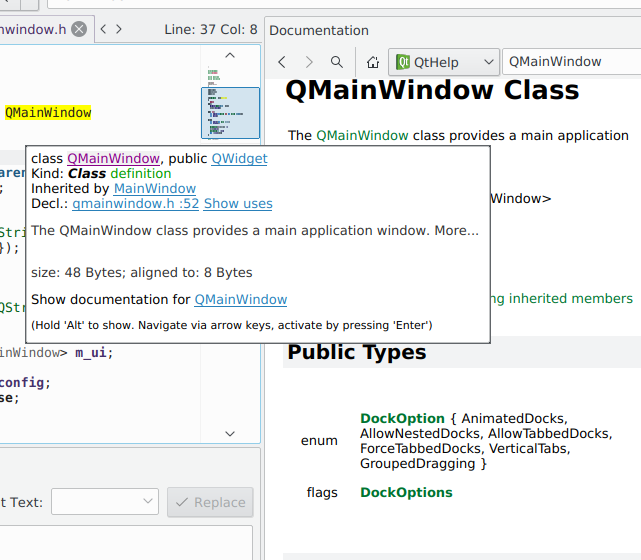
Forgot what strcmp returns? Need to check Qt documentation quickly without the help of a search engine? KDevelop can show you Qt documentation, CMake help pages, and Man pages directly from the editor!
Plugins
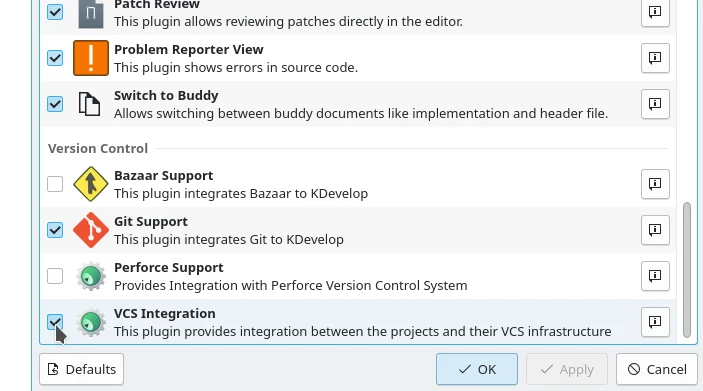
KDevelop is very extensible, such as enabling Clang-Tidy, Heaptrack and Perforce support.
News
Friday, 11 December 2020
KDevelop 5.6.1 released
About three months after the release of KDevelop 5.6.0, we provide a first bugfix and stabilisation release for the 5.6 series today: KDevelop 5.6.1
Most notably,
Read More
Monday, 7 September 2020
KDevelop 5.6 released
We are happy to announce the availability of KDevelop 5.6 today.
This release brings half a year of work, focused mainly on stability, performance, and future maintainability.
Read More
Monday, 17 August 2020
KDevelop 5.6 beta 1 released
We are happy to announce the release of KDevelop 5.6 Beta 1!
5.6 as a new feature version of KDevelop will bring half a year of small improvements to features across the application.
Read More
Tuesday, 2 June 2020
KDevelop 5.5.2 released
We today provide a bug fix and localization update release with version 5.5.2. This release introduces no new features and as such is a safe and recommended update for everyone currently using a previous version of KDevelop 5.
Read More